Contents
- The Death of the Conversion Funnel
- Sonic Architecture and Ambient Fragments
- Visual Artifacts and Cryptic Lore
- Anti-Algorithmic Distribution Tactics
- The Desert-Session Blueprint
The Death of the Conversion Funnel
The usual pre-save page greets a listener with platform logos, tracking scripts, and a request to choose a service. The song has yet to breathe. No room sound, damaged photograph, or stray lyric establishes why this release deserves attention.
That sequence drains underground music of its atmosphere. It treats a record like a software signup.
A stronger release page behaves like an obscure digital venue. The door opens onto a sound. A physical trace appears next. Hidden access waits for anyone curious enough to keep looking. The visitor encounters the release before being asked to leave for an external platform.
The First Screen
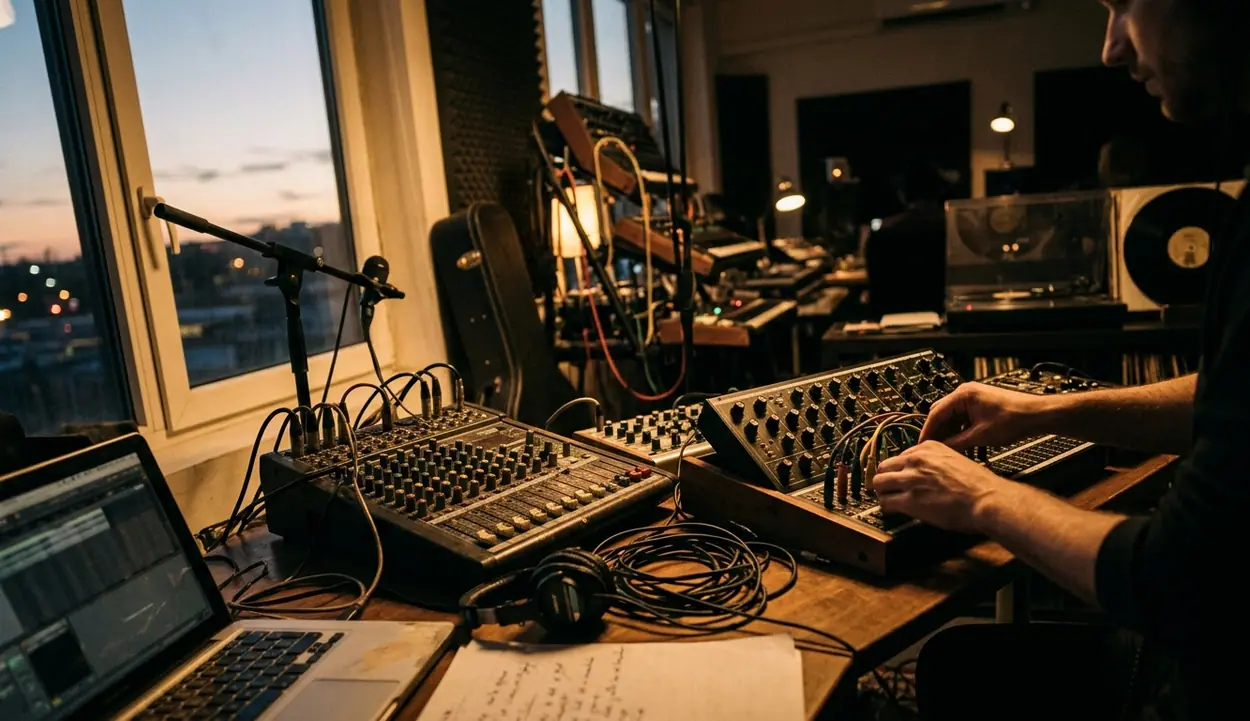
Begin with an inventory of what the session genuinely produced: room recordings, isolated stems, marked-up paper, film scans, and location details. Arrange those materials as a discovery path with sound first, artifact second, hidden access third.
Keep the opening viewport severe. Use one atmospheric element, one visual artifact, and one understated instruction. Credits, release dates, catalog numbers, and conventional listening links can sit below the first screen. This restraint gives each object enough silence around it.
A workable initial prototype can take three to five days. After stepping away for 12 to 24 hours, test it on a phone and laptop, with headphones and with playback muted. The question worth asking: can a visitor hear, inspect, or uncover something before reaching a promotional button?
Venue Before Platform
Sonic architecture, visual evidence, and a measured amount of friction carry the page. Everything else should support that sequence rather than crowd it.
Sonic Architecture and Ambient Fragments
Room tone gives the page walls. A low amplifier hum suggests electricity waiting in an empty studio; wind against a loose door places the recording somewhere beyond a clean digital interface. These sounds can establish tension before the finished single appears.
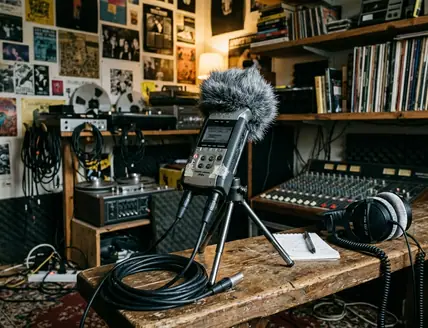
Capture the room during the final one to three days of the session. Record it once before the musicians arrive and again after the equipment powers down. Five to 15 minutes at 24-bit/48 kHz should include exterior wind, chair movement, tape-machine noise, and any stable amplifier hum. Preserve an untouched master before cutting loops.
Build the Loop
- Review the room recordings beside isolated stem exports while the engineer can still identify unexplained knocks, buzzes, and mechanical sounds.
- Select a fragment that reveals the place without exposing the finished arrangement.
- Cut a 20- to 40-second loop and add short crossfades at both boundaries.
- Check the transition on headphones for clicks or sudden changes in the noise floor.
- Complete the edit within two to four days after the final take.
A solitary floor tom can feel ritualistic. A damaged guitar track feels harsher and more immediate. Bass often works best when the page needs a pulse without turning into a conventional preview. Use one isolated stem at a time; stacking several fragments quickly recreates the density of the master.
Ambient texture may begin when the page loads, provided a visible pause or mute control appears immediately. Browsers may block audible playback, so include a manual play prompt that still makes sense in silence. Muted visitors should retain a complete route through the artifacts and hidden access.
Keep the Seam Quiet
A beautiful source recording still fails as atmosphere when its loop clicks every half-minute. Test the boundary before polishing the player.
Visual Artifacts and Cryptic Lore
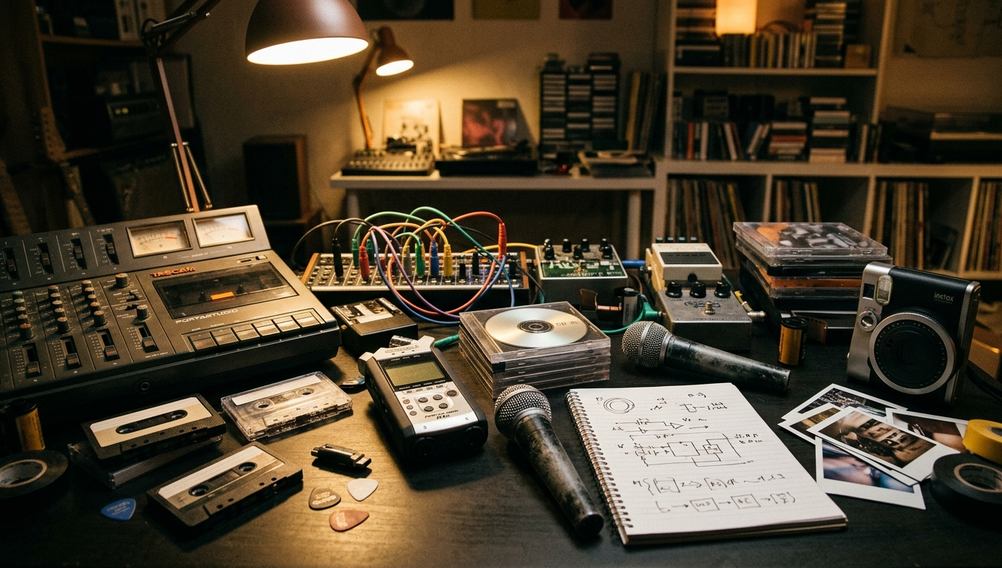
The most persuasive image may be the coffee-stained lyric sheet lying under a microphone diagram. Its crossed-out phrase shows where the song changed. The ring records where someone set down a cup during the argument or breakthrough. Both marks carry more weight than a posed promotional portrait.
Collect paper and film before the recording room is cleared. Photograph the front and back of each object so dates, lab marks, tape labels, and accidental notes remain connected. Scan lyric sheets and liner notes at 600 ppi in a lossless format, then export web copies around 1600 to 2400 pixels on the long edge. Handwriting should remain legible when enlarged on a phone.
Let the Contact Sheet Stay Messy
Show 35mm contact sheets as complete strips or grids. Frame numbers, sprocket edges, exposure errors, grease-pencil circles, and weak frames explain how the photographer saw the session. Extracting only the flattering portraits turns evidence back into promotion.
Keep the boundary firm: preserve the coffee ring, grease-pencil circle, exposure failure, and crossed-out lyric that the room produced. Manufactured distress usually reads as costume to listeners steeped in lo-fi and psychedelic packaging. This language depends on genuine session material.
Scan and label the objects within two to seven days, before pages drift away from their notebooks or recording boxes. Sequence them according to the session, not by visual polish alone.
Cryptic lore works best in small doses. Attach one or two lines to a visible mark, lyric revision, microphone sketch, or timestamp. A grease-pencil circle might reveal a password fragment when focused with a keyboard. A crossed-out lyric could surface as hidden caption text. The clue should deepen the object already on screen instead of launching an unrelated puzzle.
Anti-Algorithmic Distribution Tactics
Friction can reward attention when the reward feels worth the search. Choose one: a high-resolution download, a private stream, or a physical cassette pickup. Linking all three at once turns an intimate trail into another crowded menu.
For a direct download, prepare FLAC files from the 24-bit masters at the session’s native 44.1 or 48 kHz sample rate. Include track titles, credits, cover art, and either a checksum or clearly stated file size. The package should feel deliberate when it reaches someone’s desktop, not like an anonymous folder of audio.
Make the Clue Solvable
A password-protected directory can draw its key from a legible artifact. Use at least 12 characters and point toward the source with a restrained instruction such as “read the date beneath the red circle.” Ask someone outside the page build to follow the clue. The creator already knows the answer and cannot judge its clarity alone.
Provide a plain recovery route for purchasers or press contacts who cannot complete the interaction. Mystery should shape the encounter without blocking legitimate access.
Physical cassette drops require tighter control. Choose a lawful, publicly accessible pickup point. Publish its coordinates for a defined six- to 24-hour window, then remove them immediately after collection. Residential addresses, unrestricted private land, and vague wilderness locations do not belong in the trail.
Prepare permissions, files, clue text, and fallback access four to seven days before release. During the final 24 to 48 hours, open a private browser session and complete the route from the first sound through the final reward. Test expired passwords and removed coordinates too; yesterday’s clue should not become tomorrow’s broken doorway.
Friction With Purpose
The wind–hum–Polaroid–coordinate breadcrumb works because each stage changes form: atmosphere becomes stem, stem becomes artifact, and artifact becomes access.
The Desert-Session Blueprint
Consider a Santa Rosa Records release recorded in a one-room desert studio. The available materials are a clean recording of evening wind, a steady amplifier hum, one Polaroid showing the room’s doorway, and approved coordinates for a public cassette pickup. The page can be assembled in two to four days, followed by 12 to 24 hours of device and accessibility testing.
A Copyable Build
- Lay down the field. Set a pure black background and place a silent six- to 10-second loop of scanned 16mm film dust over it. Compress the texture separately from the main photograph. When reduced-motion settings are active, replace the loop with a static frame.
- Shape the sound. Combine desert wind and amplifier hum into a 40-second stereo loop with clean crossfades. Place the minimal audio control in the opening viewport with an immediately visible pause button. If the browser blocks playback, show a manual prompt reading “hear the room.”
- Place the evidence. Center the scanned Polaroid against the black field. Its descriptive alternative text should explain that an empty desert recording room contains an illuminated amplifier beside an open doorway. It should not reveal where the link leads.
- Hide the door. Map a keyboard-focusable hotspot over the amplifier light. Connect that hotspot to a private, unlisted Bandcamp stream. Add a visible focus state and a short clue tied to the photograph, such as “the red light stayed on after midnight.”
- Set the physical trail. Place only the approved studio or public pickup coordinates in the footer. Exclude residential addresses and private land. Schedule their appearance for the controlled cassette-drop window and remove them after collection.
- Walk the route. Test touch, mouse, and keyboard access. Repeat the visit with muted playback and reduced motion. Confirm that the film becomes still, the audio offers manual play, the hotspot receives focus, and the private stream opens.
The finished path begins with black film dust, opens into 40 seconds of wind and amplifier hum, settles on the Polaroid, and rewards a click on the red amplifier light with the private stream. At release time, the footer reveals the public pickup coordinates. After the final cassette is collected, remove the coordinates and leave the wind, photograph, and hidden stream as the permanent record of the night.